

Problems with print defects such as blurring, streaking or fading may be caused by a malfunctioning printer or a faulty toner cartridge. It should be noted that genuine OEM toner cartridges rarely malfunction, while compatible and remanufactured toner cartridges carry a significant risk of malfunction.
Here’s how to fix toner streaks.
- First, print a few blank pages and see if this improves the print quality.
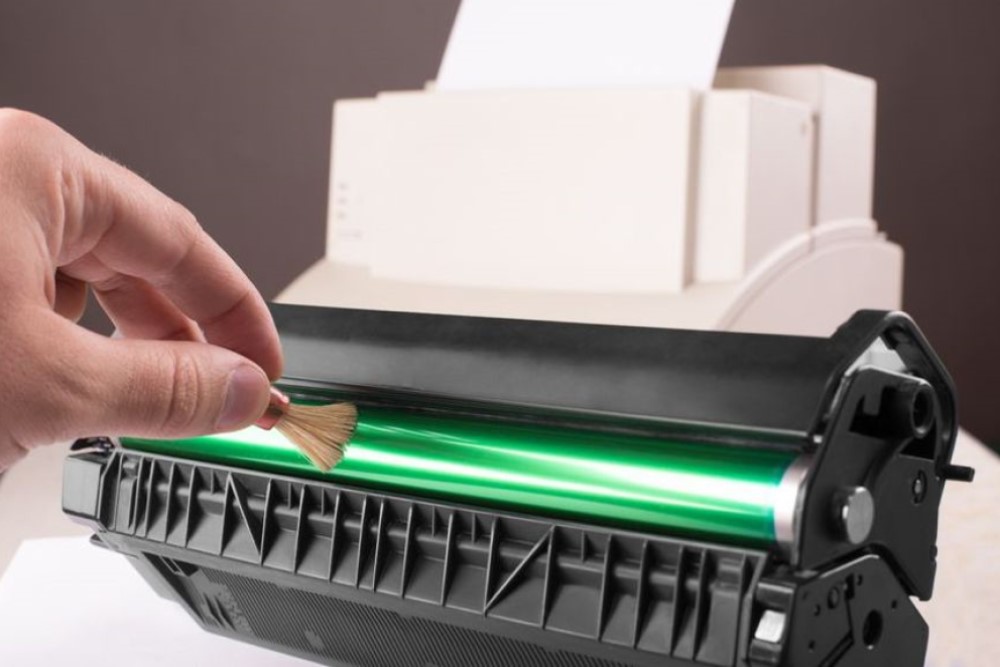
- Then try cleaning the internal components of the printer.
- If this does not solve the problem, reinstall the toner cartridge.
- If this does not help, the toner may be damaged and should be replaced to see if the new cartridge leaves streaks.
- These problems may also be caused by a faulty drum unit. If reinstalling/replacing the toner did not help, replace the drum next.
Fading — When there is little toner left in the toner cartridge, fading often occurs. In this case, simply replace the toner and the prints should not cause any problems. If the printer is not out of toner and the prints are still fading, the problem may be with the transfer roller or laser mirror, which need to be cleaned.
Blank spots — Blank spots can be caused by a faulty toner cartridge or other printer problems, such as a damaged transfer roller. First, if possible, check the inside of the printer to see if there is any visible debris. If not, replace the toner cartridge and see if that removes the blank spots. If this does not work, replace the transfer roller and see if that helps.
 Wojoweb